
Projects that stay organized
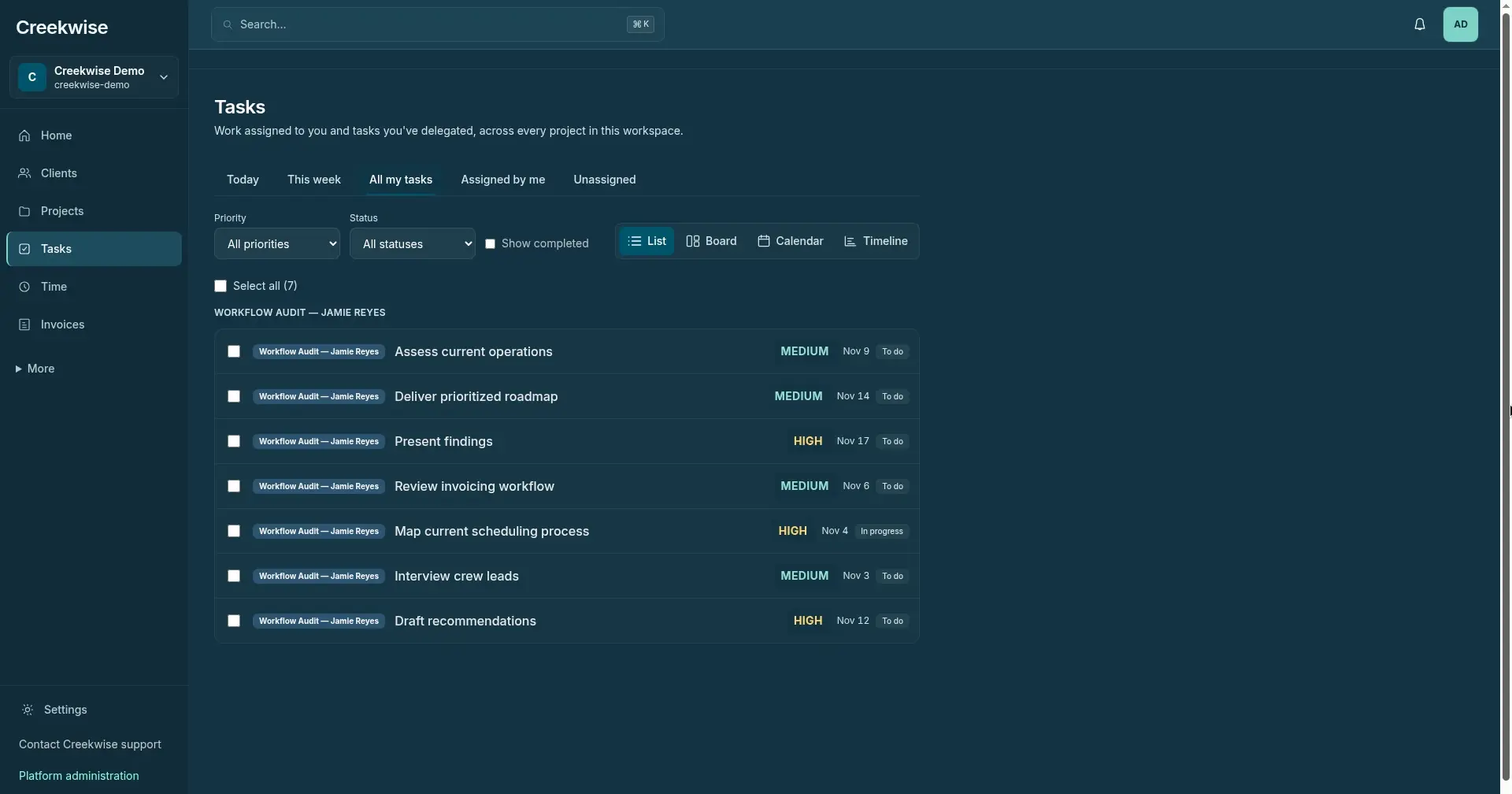
Boards, lists, calendar, and timeline—pick the view that fits the week. Templates get new projects started fast.
Project Management for Every Kind of Project
Creekwise gives teams one place to plan projects, organize tasks, coordinate schedules, and track progress. Manage internal work, client projects, events, and ongoing operations in the same workspace.
14-day free trial. No credit card required.
Status meetings repeat the same updates. Teammates ask for links you cannot find. Deadlines slip across teams. Keep tasks, milestones, schedules, documents, and approvals together so everyone can see what needs to happen next.
Features
Opinionated where it helps, flexible where your process differs.
Boards, lists, calendar, and timeline—pick the view that fits the week. Templates get new projects started fast.
Share progress, messages, documents, approvals, and issued invoices on branded links your clients can actually use—without another login maze.
See which projects need attention across the workspace. Overrides stay transparent when judgment beats the score.
Bring project managers, team members, and stakeholders together with workspaces, roles, and invitations.
Connect work to dates and capacity so you can answer “are we green?” before the exec Slack thread starts.
Stay informed on decisions and deadlines without drowning in noise—email when it matters, in-app when you are in flow.
How it works
Sign up, name your workspace, and invite the people who ship work with you. Roles keep access sensible from day one.
Start a project from a template or scratch. Add milestones and tasks, then choose the views your team needs. Link a client when the project calls for one.
Track progress, coordinate approvals, and watch portfolio health to catch risks early. Share a portal when outside stakeholders need updates.
Pricing
One subscription per workspace, with users included up to your plan limit. Choose monthly billing or save 20% with annual billing. Prices are in USD; your total is shown before you pay.
Monthly prices are the amount charged each month.
Free
14 days · no card required
$29
per workspace / month · USD
Annual: $278.40 per workspace / year
$79
per workspace / month · USD
Annual: $758.40 per workspace / year
$179
per workspace / month · USD
Annual: $1,718.40 per workspace / year
Optional AI from $19 a month
Optional on Solo, Team, and Scale. AI is billed monthly in addition to your software plan, including when software is billed annually. Credits are shared by your workspace across drafts, timeline suggestions, and document parsing. Longer requests use more credits.
$19 / month
1,000 credits per monthly billing period
$49 / month
3,000 credits per monthly billing period
$99 / month
6,000 credits per monthly billing period
Hard usage limits. No automatic overage charges. Unused credits do not roll over. Cancel AI renewal in Billing; access ends at the end of the paid period. AI requires an active paid software plan.
FAQ
No. Creekwise supports project management across teams and industries, including internal initiatives, product development, events, construction planning, creative work, operations, and client engagements. A project does not need a client or a consulting scope of work.
Clients use an invitation and verify access through their email. Workspace teams control which projects each client can access.
You can begin with a service template, add your clients, and create projects for current work. Review any existing records before moving them into your workspace.
Each workspace has one subscription. The plan includes its user allowance; prices are not multiplied by your user count. Choose monthly or annual billing. Workspace owners manage subscriptions and cancellation from Billing.
Creekwise uses Supabase for database, authentication, and file storage, and Vercel for application hosting. See the Privacy page for how workspace information and operational data are used.
Create a workspace in minutes. Invite your team when it feels right.